
Home screen widgets
Parents see the next thing that matters, tomorrow’s trip or a payment due, on a WidgetKit widget without opening the app.
GroupEd writes its school apps natively in Swift. Staff sign in without touching a screen. The evacuation roll call sits on the iPhone Lock Screen. Every app takes advantage of Apple’s on-device translation.
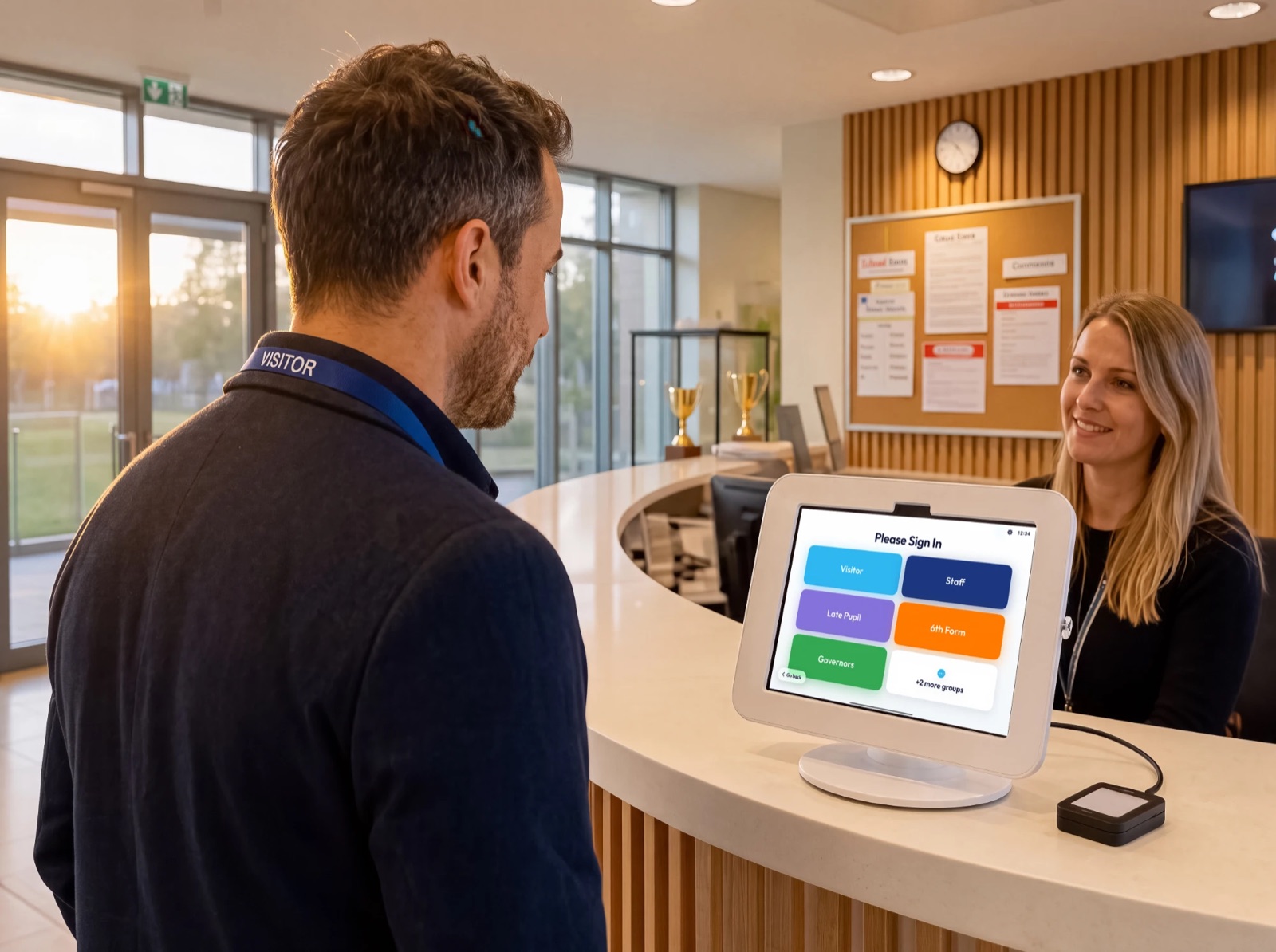



The single capability schools comment on most, and the reason the reception iPad is an iPad.
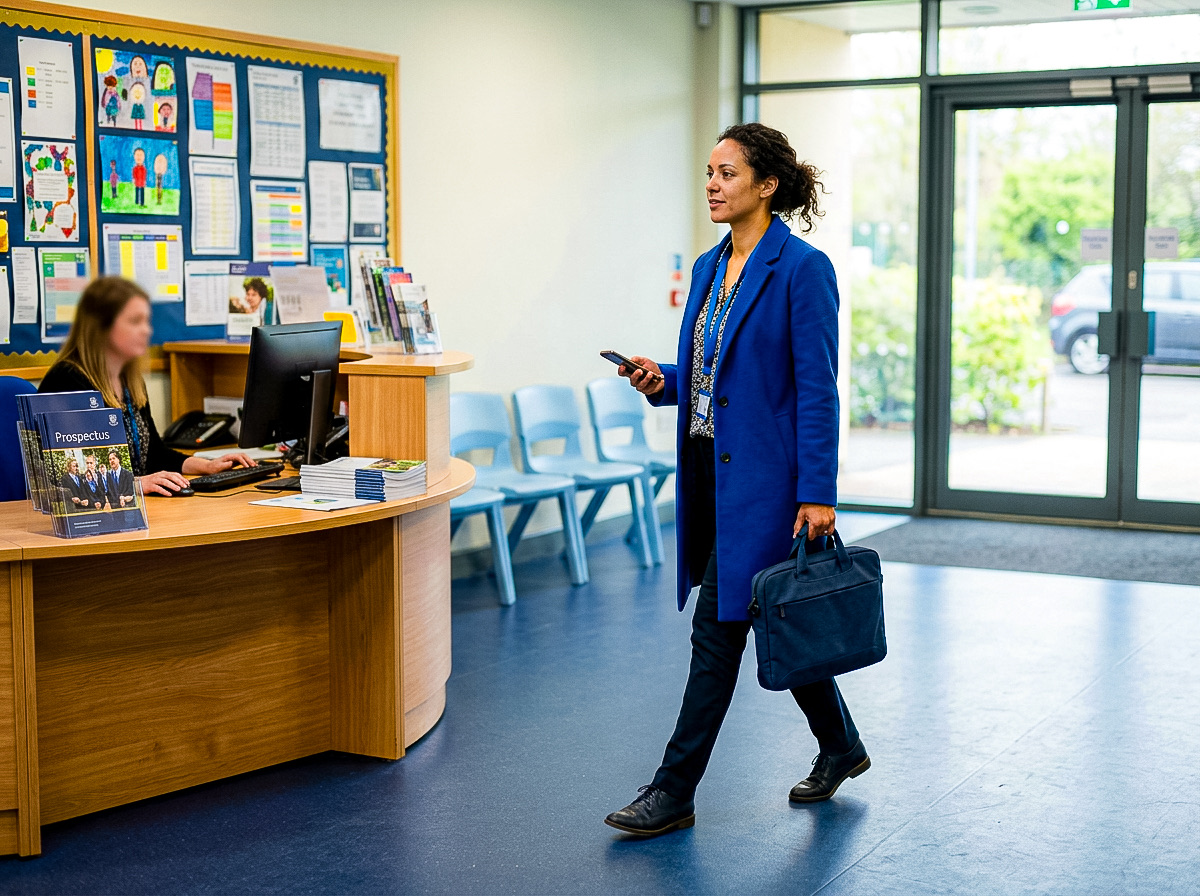
The reception iPad broadcasts an iBeacon over Bluetooth Low Energy. A member of staff walking past with an iPhone in their pocket is signed in before they reach the staffroom: no queue, no card, no kiosk tap, and nothing for them to remember on the way out either.
This is the part of OnSite that could not be built any other way. It relies on the way iOS wakes an app for a Core Location region event, and it is reliable enough to be the primary sign-in route for a whole staff body rather than a novelty.
Our apps are written in Swift and SwiftUI. That is not a badge, it is the reason each of the following exists.
Parents see the next thing that matters, tomorrow’s trip or a payment due, on a WidgetKit widget without opening the app.
School events add straight into the parent’s own Calendar through EventKit, with the consent prompt iOS provides.
Staff and parents unlock records that carry safeguarding and behaviour data with Face ID rather than a shared password.
Teachers draw and annotate the lesson on an infinite PencilKit canvas, then walk the class through it as a guided presentation.
In development: the wall display will show the current lesson, an activity countdown, and during an evacuation the accounted and missing board.
The reception iPad prints visitor badges directly to a wireless Brother label printer, with no computer in between.
Every screen is built to the system accessibility APIs, so text scales and VoiceOver reads the interface in the order it is laid out.
Messages and school content are translated with Apple’s on-device Translation framework, so a parent reads in their own language and the text never leaves the device to be translated.
During an evacuation the roll call runs as a Live Activity on the iPhone Lock Screen and in the Dynamic Island, so staff can follow it without opening the app.
The same records sit behind every app. The product pages go into the detail.
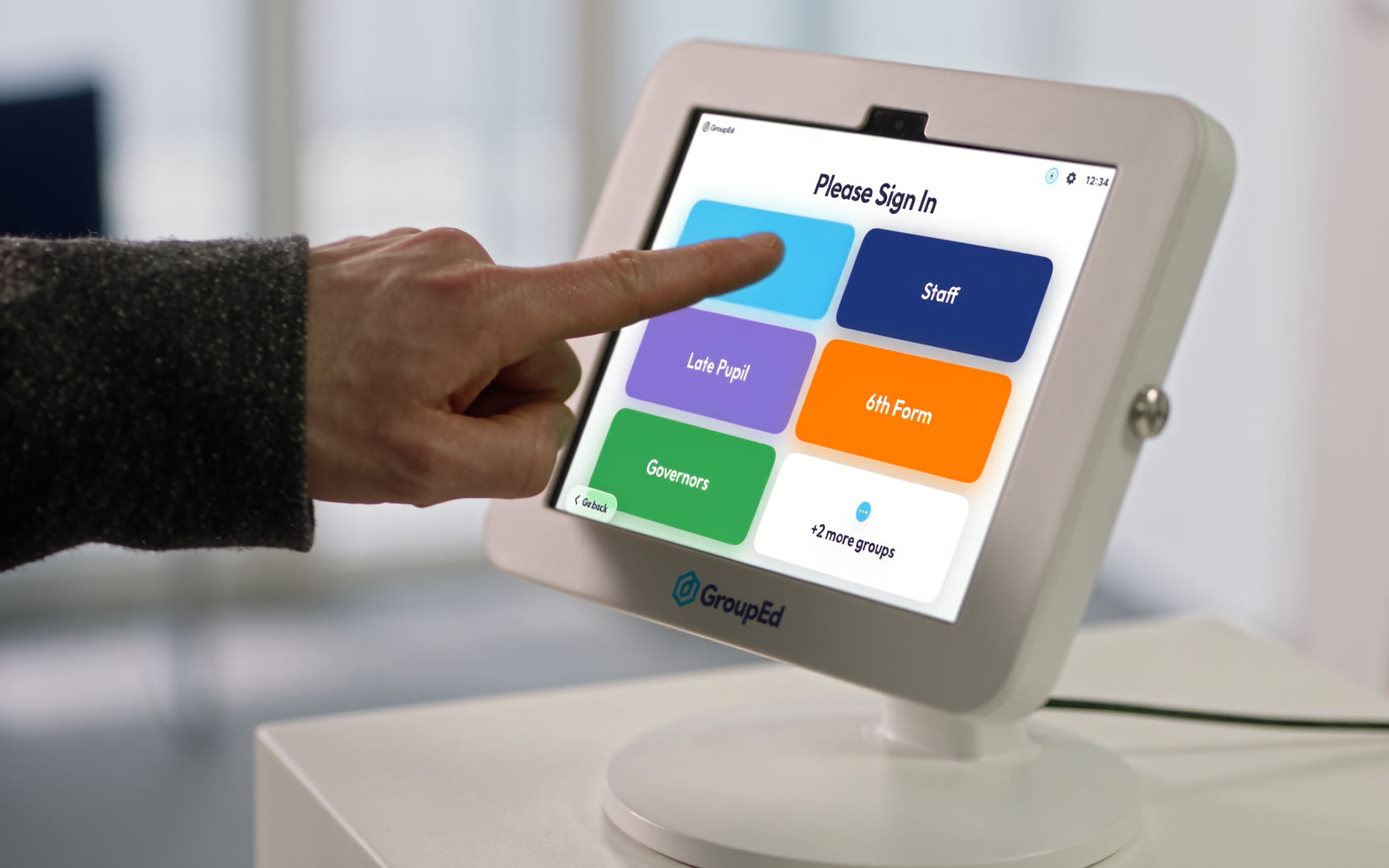
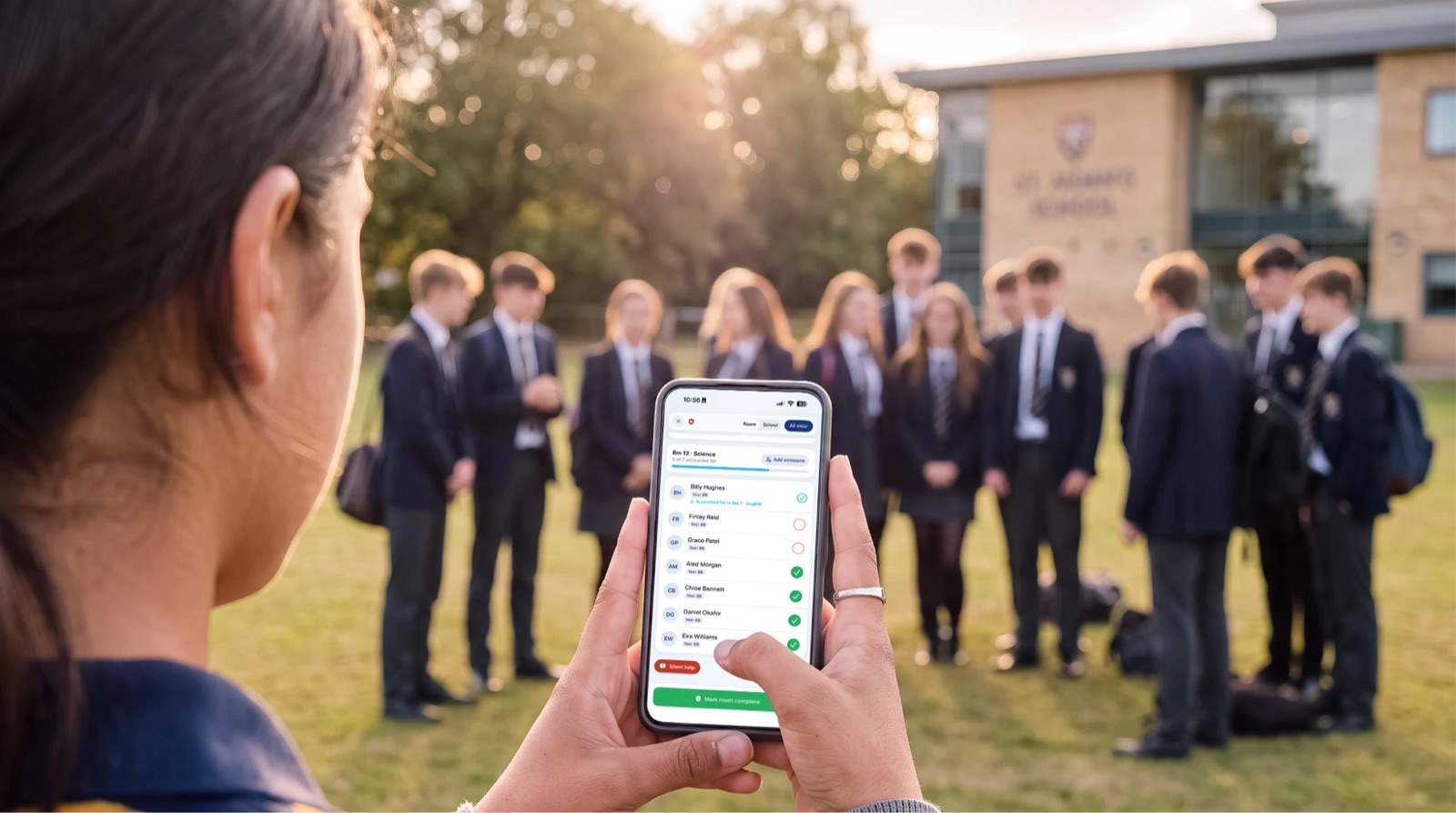
Automatic staff sign-in and the live evacuation roll call for staff, and the Parent & Carer app for families.
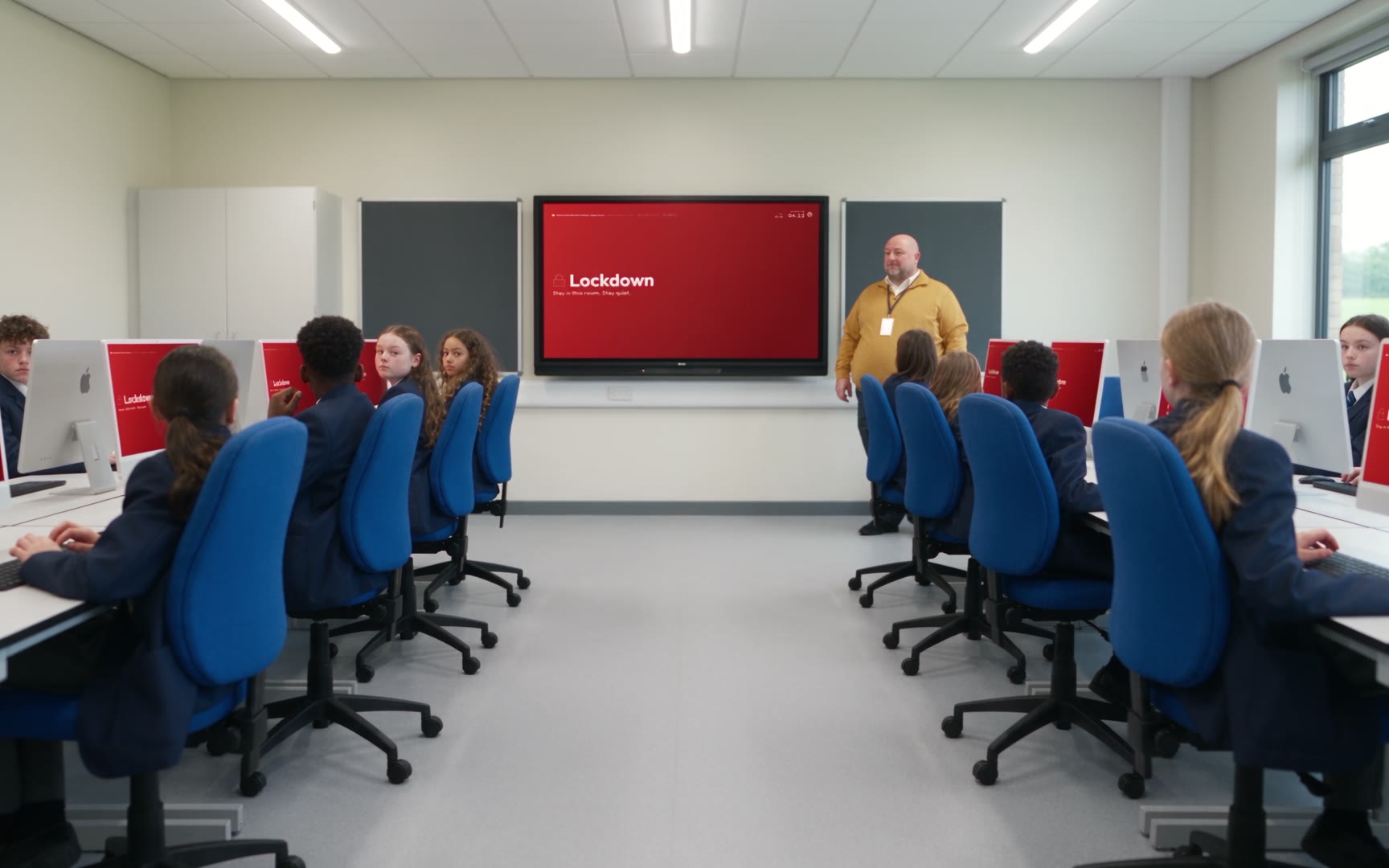
Sixty seconds inside a school day, from the front door to the server room.
60 seconds · has sound
“Our InVentry hardware was end of life, and the flexibility of an iOS-based sign-in system that we could expand at will was more appealing than a fixed cost per kiosk system.”

Kai Monroe, Network Manager and MIS & Data Systems Development Lead,
Cantonian High School
Cantonian is a community secondary in Cardiff with more than 1,000 pupils, preparing to move to a new multi-school campus. The old sign-in system ran on Windows machines on the local network: every extra entrance meant buying hardware and booking an installation, at a point when the school did not yet know how many entrances the new campus would have or where they would be. An iPad can go up in an afternoon.
Six months after switching to GroupEd OnSite, the network manager reports saving two to five hours a week in technical support time. Sign-in data flows to and from the school’s MIS automatically. One feature the school asked for was built and live within an hour of the request.
Read the full case studyThirty minutes, on a call or in your school. We will set up a demo site with your entrances and your classes on it, so you are looking at your school rather than at ours.